
Technology 5 min read By Trevor Kendall
Lock down your smart TV, tablet or phone before connecting to Wi-Fi
Most people connect new smart devices without adjusting security settings, leaving them vulnerable to hackers and data brokers. Experts recommend updating software, changing default passwords, and disabling unnecessary features before connecting to a home network.
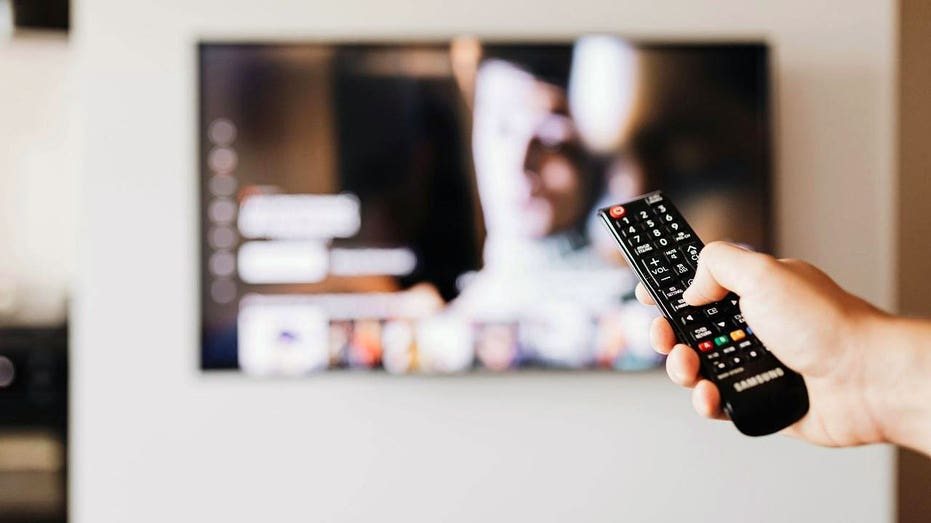
When a new smart TV, tablet or phone arrives, the excitement of unboxing often leads to skipping critical security steps. Most people connect the device first and think about protection later — if at all. That approach gives hackers, data brokers and companies a direct path into personal data and the home network.
Manufacturers ship devices with factory settings designed for convenience, not security. Features like automatic connections, data sharing and remote access are turned on by default, making setup effortless but leaving users exposed. Smart TVs are among the worst offenders, often enabling Automatic Content Recognition (ACR) by default. This feature acts like a fingerprint scanner for the screen, capturing information about everything watched and sending it back to the manufacturer — something users unknowingly agreed to in the terms and conditions.
Tablets and phones bring their own risks. Many share location data, accept connections from nearby devices, and back up information to company servers without explicit user consent. A single poorly configured device can compromise the entire home network. One outdated tablet or misconfigured smart TV can give attackers a foothold into everything else connected to the same router, including laptops, security cameras and work devices.
Before connecting any new device, experts recommend taking five minutes to manually check settings. No technical expertise is required. The first step is to update the device's software and change any default passwords or PINs. A brand-new device may have sat in a warehouse for months, meaning it could already need a security update. Default credentials are easily found online by attackers.
Next, review privacy settings. On a smart TV, look for ACR and turn it off. Depending on the brand, it may be listed under Viewing Data, Live Plus, SyncPlus, Smart TV Experience or privacy settings. On phones and tablets, check location, camera, microphone and nearby device permissions. Disable connectivity features that are not needed, such as Bluetooth, remote access, file sharing and screen mirroring, which can create openings when left on continuously.
Adding a VPN provides another layer of privacy by encrypting internet traffic. A trusted VPN can protect data sent from smart TVs, phones, tablets and laptops, and can also run at the router level on compatible routers. For those looking for recommendations, expert reviews of the best VPNs for Windows, Mac, Android and iOS devices are available online.
A comprehensive security checklist includes several additional steps. Before connecting the device, open the router app or settings page and look for Guest Network, IoT Network or Device Isolation. Create a separate Wi-Fi network for TVs, speakers, cameras and smart home gear. Use WPA3 Personal if the router supports it; otherwise, use WPA2 Personal. Give this network a strong password that is not used elsewhere. Connect the new device to this isolated network rather than the same Wi-Fi used for work laptops.
Install all updates before adding streaming apps, email accounts or payment information. Change the device PIN, parental control PIN or purchase PIN if the setup screen offers one. Use a password manager to create and store strong, unique passwords. On phones and tablets, use a long passcode instead of a simple 4-digit code. Rename the device to something generic, such as «Living Room TV» or «Tablet 1,» rather than revealing personal details like «Kurt's Bedroom TV.»
Before signing in to Apple, Google, Samsung, Amazon or Roku accounts, enable two-factor authentication where available. For Roku devices, set a PIN to block unwanted purchases, subscriptions and app additions. On phones and tablets, grant apps the least access possible. Turn off Bluetooth when not in use, and disable features like Nearby Share, Quick Share, AirDrop, file sharing, screen mirroring and remote access. For tablets used by children or guests, set up parental controls and restrict access to sensitive data.
Taking these steps before connecting a new device can significantly reduce the risk of data breaches, unauthorized access and privacy invasions. With the growing number of connected devices in homes, a few minutes of preventive action can protect personal information and the entire home network from potential threats.
101